Printed menus that are always out of date
Every price change means reprinting. Sold-out dishes stay on the menu and guests are disappointed.
Change a price or photo once and every QR code shows it instantly. Sold-out items are marked automatically.

A digital menu your guests order from at the table, a fast counter checkout, a kitchen screen and stock that updates with every sale. Run your whole place from one dashboard, in-store and online.
Replace printed menus and disconnected tools with one platform.
Serve QR guests, table orders, and counter sales from the same catalog.
Track stock, manage tables, and keep the kitchen in sync with live orders.
Experience our demo store to see how customers browse, order, and pay: View Demo Store ↗︎
Publish a digital menu once and use it everywhere: QR guests, WhatsApp orders, table orders, and counter checkout.
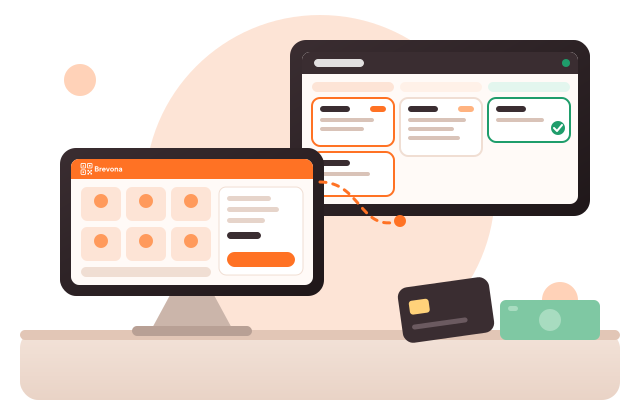
Visual table board with live status, open time, and order flow. Add items, send to kitchen, and pay from counter.
Queue orders by status (Queued → Preparing → Ready), filter by table or terminal, and keep the kitchen aligned.
Fast cart, taxes and options, several payment methods, receipts and barcode scanning for walk-in sales.
Every sale takes the item off stock, purchases add it back, and sold-out items show as sold out on the menu.
See daily income/expenses, top items, order sources, and table turnover to drive smarter decisions.
Sign up and create your store in minutes. Add your branding, tax, and payment defaults to get started.
Add categories, products, variants, and images. Your menu powers the public QR experience and all POS apps.
Set tables, enable kitchen and counter screens, and choose how orders flow from QR and counter to kitchen.
Launch your QR menu, take orders, print receipts, and track performance with real-time analytics.

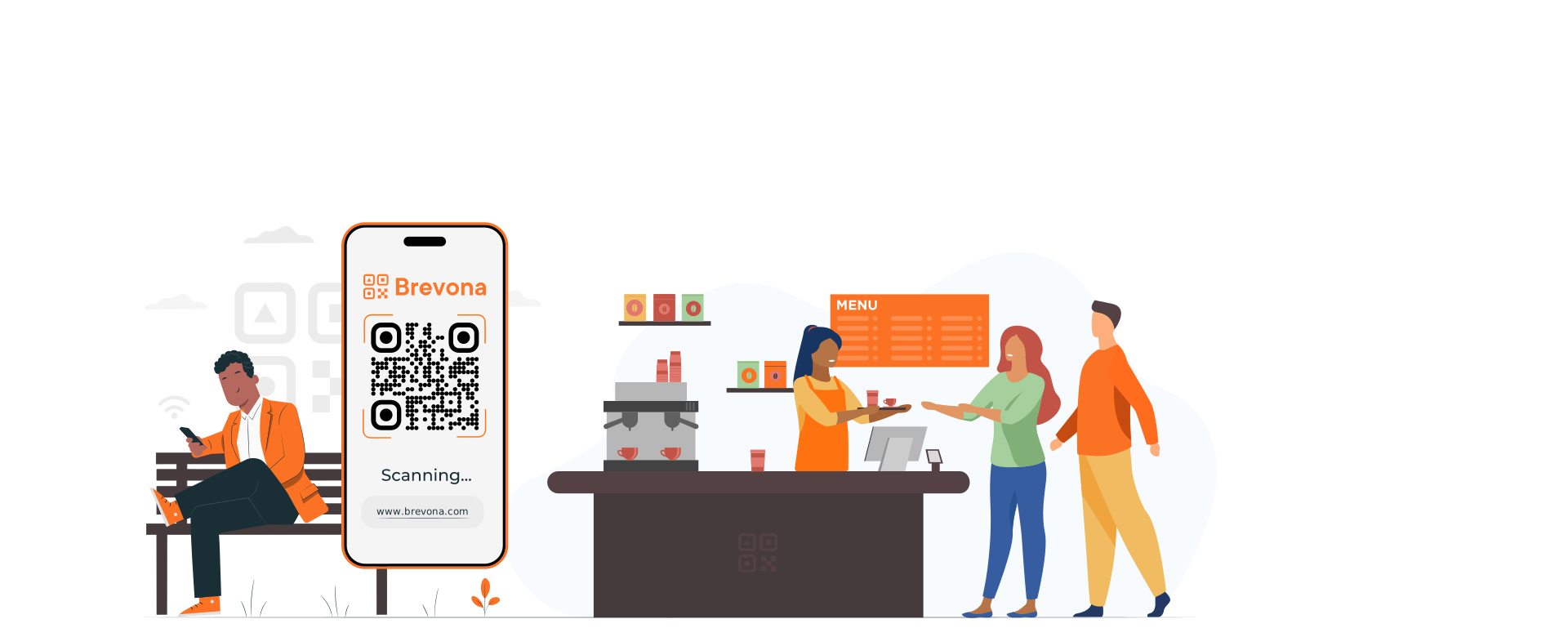
Every price change means reprinting. Sold-out dishes stay on the menu and guests are disappointed.
Change a price or photo once and every QR code shows it instantly. Sold-out items are marked automatically.
Waiters shout orders, tickets go missing, the bill never matches what was served.
Table, counter and WhatsApp orders land in one place, go to the kitchen screen and come back to the counter to be paid.
Stock is counted by hand, the best sellers are a guess, regular customers are anonymous.
Daily sales, best sellers, low stock and loyal customers on your home screen every morning.
Start with the digital menu. Turn on the POS, kitchen screen, stock and loyalty when you are ready — same menu, same data.
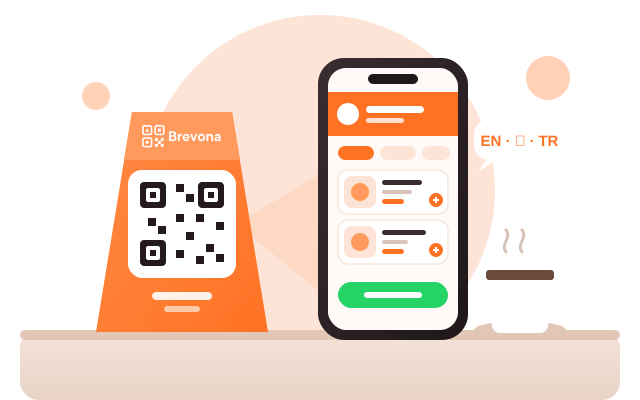
Beautiful on every phone, with photos, descriptions, options and prices in your own currency. Print one QR code for the whole place or one per table.
Guests can order from their table and follow their order status on their phone, or send the order straight to your WhatsApp. Staff take walk-in orders at the counter. Everything gets one order number.
Tap items or scan barcodes, take cash, card or transfer — even split between them — and print the receipt. The kitchen sees every order the moment it is sent and moves it from queued to ready.
Every sale takes the item off your stock. Purchases add it back. The home screen shows today's sales, open orders and the kitchen queue; the stock page shows best sellers, items out of stock and what will run out this week.
Choose stamps, points or visits and the reward. Guests join by scanning your QR and get a digital card with their own QR code on their phone. At the counter you scan it, and the stamp is added when they pay.
Each store with its own menu, staff and reports. Switch store from the top bar.
The whole dashboard and POS in three languages, and menus in up to nine.
Give each cashier or waiter a login with only the screens they need.
See every table, how long it has been open and what it has ordered.
Take reservations and keep them next to your live tables.
Branded receipts with your logo and QR, printed, previewed or saved as PDF.
Sell in your currency and accept several currencies at the till.
Encrypted connection, your data separated per business, PIN-locked till.
Brevona runs in the browser of any tablet, laptop or phone. For a full counter we offer the complete set: an Android tablet, a 1D/2D barcode scanner and a Bluetooth receipt printer, set up and tested with your store before it reaches you — plus your first year of Brevona Menu + POS, all for $999.
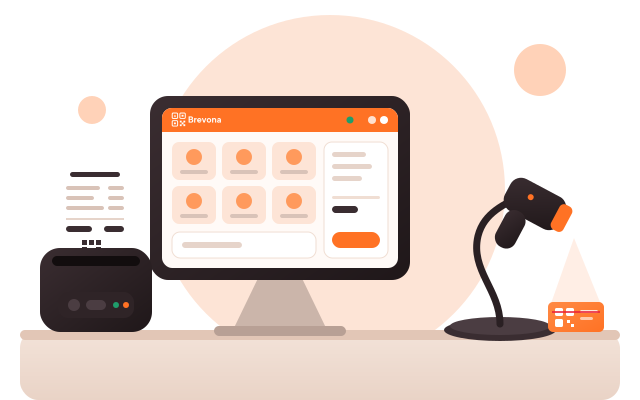
The complete set — $999 for the first year, then $199 a year.
No set-up fees, no commission on your orders, no monthly bills.
A digital menu with ordering
Renews at $199 a year
For cafés and restaurants that serve in-house
Renews at $199 a year
Brevona Menu + POS with the devices, ready to sell
Then $199 a year to renew. The devices are yours to keep.
Prices in US dollars, paid yearly per store. Every plan starts with a 14-day free trial — no card needed.
Create your store today, print your QR code tonight. 14 days free, no card, help in Arabic and English.
No. They scan the QR code with their phone camera and the menu opens in the browser. It works on any iPhone or Android phone.
Sign up and you get 14 days with everything included, no card needed. You can build your menu, print QR codes and take real orders. Before the trial ends we remind you to choose a package; nothing you created is deleted.
Yes. Add each item's name and description in every language you serve and guests choose their language. The dashboard and POS themselves work in Arabic, English and Turkish.
Any tablet, laptop or computer with a modern browser (Safari or Chrome is best). For a full counter add a USB or Bluetooth barcode scanner and a Bluetooth thermal receipt printer — or buy our ready-made counter kit.
An Android tablet with a stand, a 1D/2D barcode and QR scanner with a stand, and an 80 mm Bluetooth receipt printer, set up with your store, plus the first year of Brevona Menu + POS. It costs $999; after the first year you renew the software for $199 a year. The devices are yours to keep and come with a 12-month manufacturer's warranty.
Yes. Each table can have its own QR code. Orders go to the table's open bill and to the kitchen screen; the customer can follow the order status on their phone, and you take payment at the counter.
Guests fill their cart on your menu and tap "Order on WhatsApp". WhatsApp opens with the complete order already written, ready to send to your business number.
Yes, for the items you choose. Each sale takes the item off stock, purchases add it back, and items that run out show as sold out on the menu so guests can't order them. The stock page shows best sellers, low stock and slow movers.
You choose stamps, points or visits and the reward. Guests join from your QR code and get a digital card with their own QR. Scan it at the counter and their stamp or points are added when the order is paid.
Yes. Each branch is a store with its own menu, tables, staff and reports, and you switch between them from the top bar. Each extra store has its own yearly plan.
No. You pay the yearly plan only. Your customers pay you directly — cash, card or transfer.
Yes. Brevona runs in the cloud, so your menu, orders and reports are always up to date on every device.
Yes. Plans are paid once a year; turn off renewal whenever you like and your plan stays active until the end of the paid year. Your account and data are kept.